Home · Event Notes · Event notes
How a QR code wedding guest book works
· 6 min read
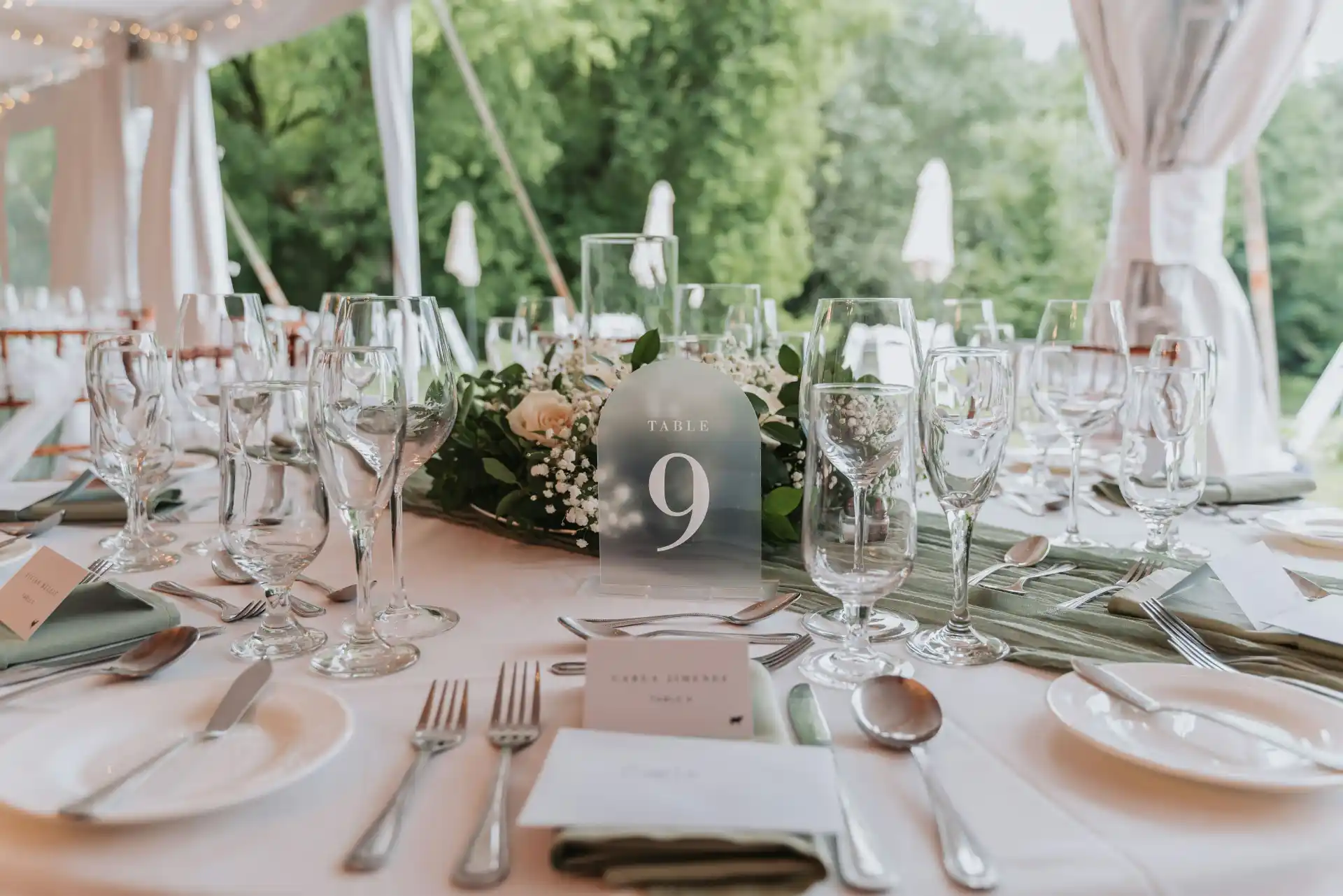
What guests see when they scan, what the couple sets up, wording for the card, privacy, and an honest comparison of a QR guest book with a paper one.
A QR code wedding guest book is a small card with a code that guests scan with their phone camera. The code opens a simple web page where they write a message, add a photo if they like and send it, with no app and no account. The couple sets up the page and prints the cards before the day, and the messages are collected in one private place.
The idea is simple, but the details decide whether guests actually use it. Here is how the whole thing works from both sides of the table.
What guests see after they scan
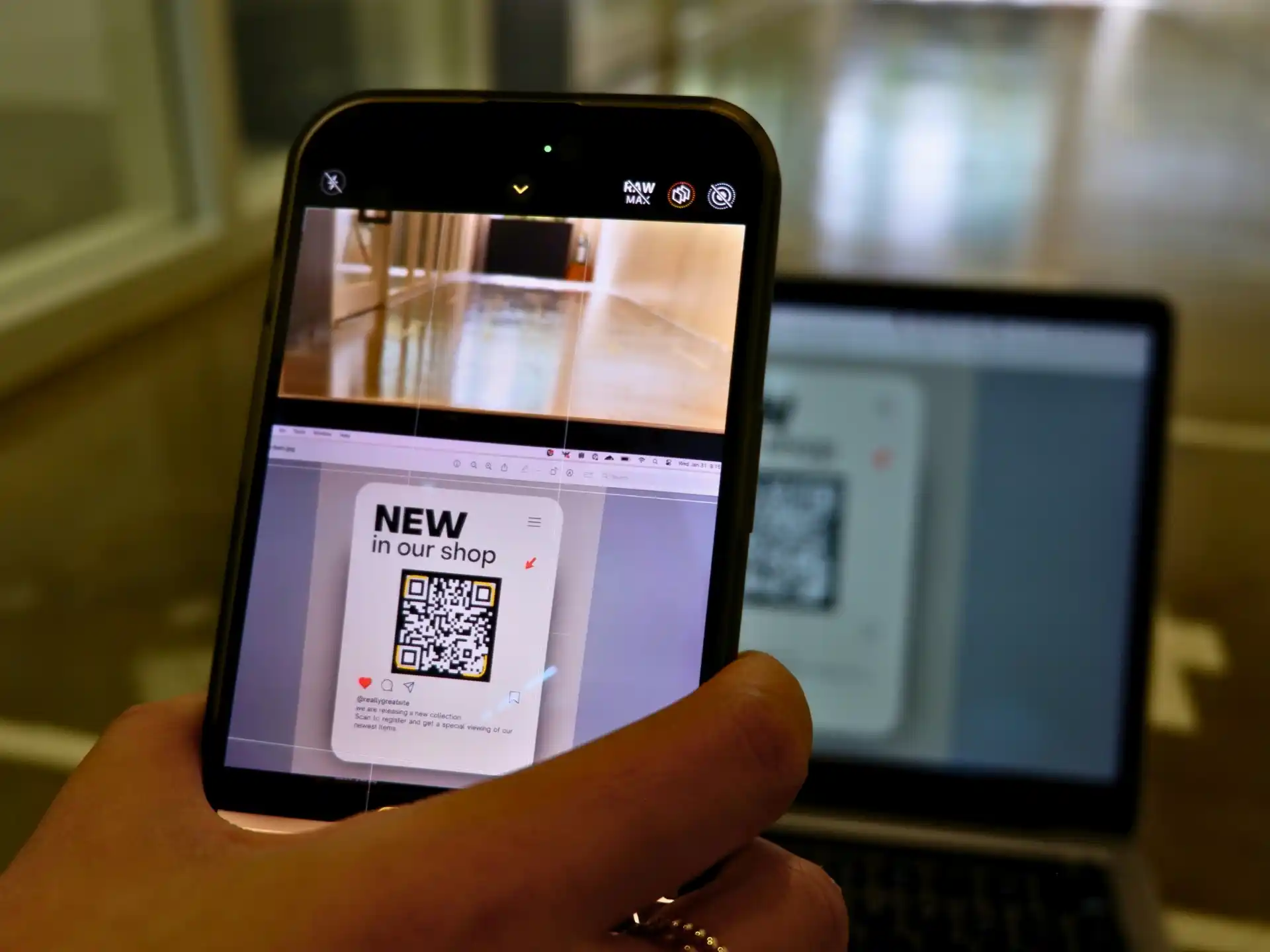
A guest points the phone camera at the code, taps the link that appears, and a page opens in the browser. A good guest page does one thing only: it shows the couple's names, a single question and a box to write in. There may be an option to add a photo from the camera roll or take one on the spot.
The guest types a few lines, adds their name and presses a button to send or seal the note. The whole thing takes under a minute. There is nothing to download, no password to remember and no sign-up form standing between the guest and the message.
Why "no app" matters so much
Every extra step loses people. Asking a wedding guest to install an app, create an account or confirm an email address in the middle of dinner is enough for most to give up. A page that opens straight from the camera keeps the effort close to zero, which is the only way a guest book gets used by the whole room.
What the couple sets up before the day
The setup is short and mostly happens weeks ahead:
1. Create the event page with your names and the wedding date.
2. Choose the question guests will see when they open it.
3. Download and print the QR cards.
4. Decide where the cards will go and who will put them out.
With a time capsule format such as tmwwu, there is one extra choice: the messages stay sealed until the first anniversary, and the couple reviews and moderates them privately before the capsule closes.
Will older guests manage it?
This is the most common worry, and in practice it is rarely a problem. Pointing a camera at a code is now part of ordering in restaurants, checking in for flights and paying for parking, so most guests of every age have done it before.
Two small things help the rest. Put the cards on every table, so there is always someone nearby who can show a grandparent how it works, which often becomes a sweet moment in itself. And keep a few paper cards and a pen on a side table for anyone who would simply rather write by hand; you can photograph those notes afterwards and add them to the collection.
Wording for the card next to the code
The card does more work than it looks. A code on its own reads like a menu or a parking sign. A code with a warm line and a question reads like an invitation.
A good card has three parts: a short headline, one line of instruction and a question.
Headline examples: "Leave us a note." "A little piece of tonight." "Write to us, read in a year."
Instruction examples: "Scan with your phone camera. No app needed." "Point your camera here and leave a message."
Question examples: "What do you hope we remember about tonight?" "What is your wish for our first year?" "Tell us your favorite moment from today."
Keep the card legible in candlelight: dark text on a light background, a code at least 2.5 cm (1 in) wide, and no decorative fonts on the instruction line.
Keeping messages private until you are ready
Guests write more honestly when they know their words are not on public display. Make it clear on the guest page that only the couple will read the messages, and do not share the link anywhere public such as social media.
A capsule format adds a second layer: the couple can read and moderate privately, but the full collection stays closed until the anniversary. Some couples like to peek at nothing at all and keep every word as a surprise.
QR or paper: an honest trade-off
A QR guest book is easier to scale, collects photos alongside words, never runs out of pages and leaves nothing to transport home after a long night. Messages also tend to be longer, because guests write while sitting down rather than standing in a queue.
Paper keeps handwriting, which matters a great deal to some couples. It needs no phone and no signal. And a beautiful book is an object you can hold.
Signal is the one practical point to check. Most venues have mobile coverage or guest Wi-Fi, but a remote barn or a basement room may not; ask the venue and, if needed, print the Wi-Fi details on the card.
If you are still choosing between formats, the guide to wedding guest book alternatives compares them side by side.
FAQ
Do guests need an app to use a QR code guest book?
No. Guests scan the code with their regular phone camera and the page opens in the browser. They can leave a message and a photo without downloading anything or creating an account.
What should a wedding QR code sign say?
Keep it to a short headline, one line of instruction such as "Scan with your phone camera, no app needed", and a single question for guests to answer. A specific question produces far better messages than "leave a message".
How big should a QR code be on a wedding table card?
Aim for at least 2.5 cm (1 in) across, printed in dark ink on a light background. Larger is better if the card sits in a stand further from guests or the lighting is low.
Can guests add photos to a digital wedding guest book?
In most digital guest books, yes. Guests can attach a photo from their camera roll or take one on the spot, and it is stored with their message.